 admin
admin 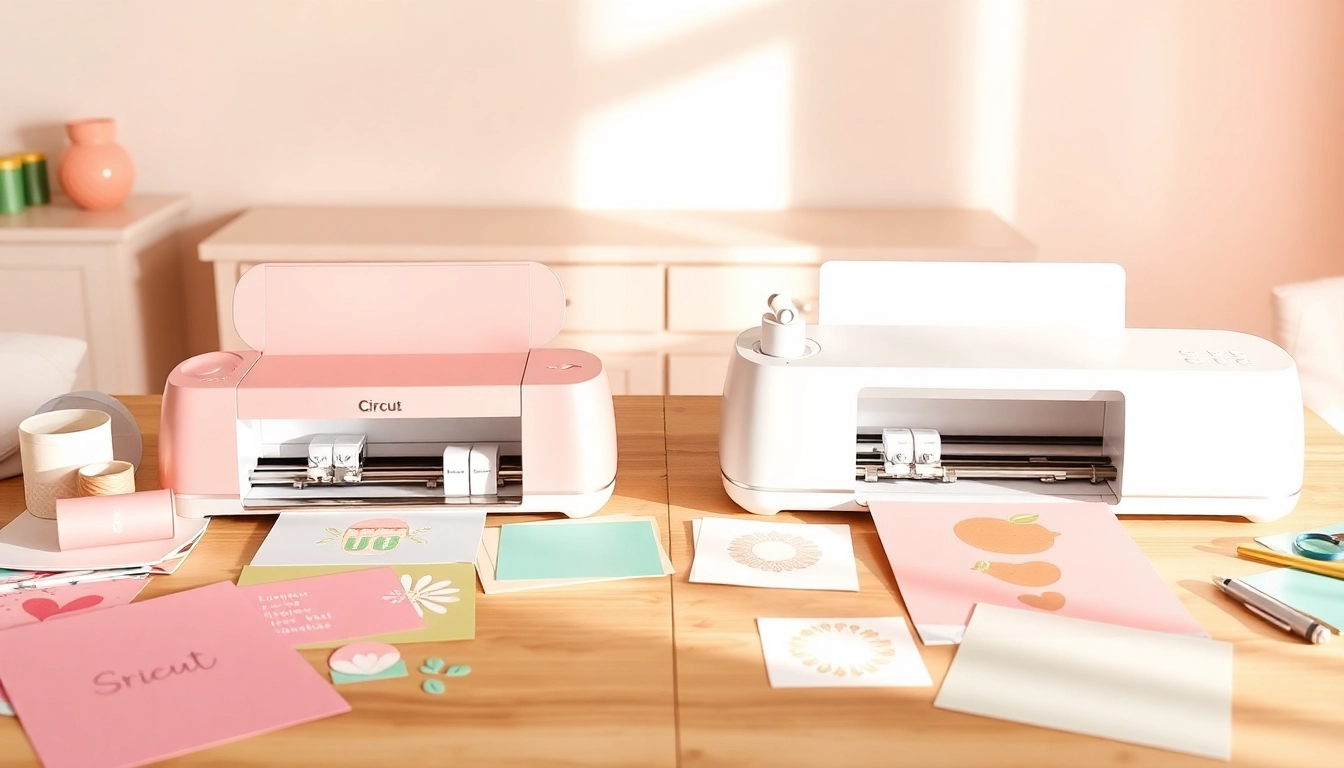
Understanding the Basics of Silhouette and Cricut Machines
In the world of crafting, two names often dominate discussions: Cricut and Silhouette. Both brands offer innovative machines that have transformed how hobbyists and professionals create customized items, from stickers to intricate designs. Whether you’re a seasoned crafter or just starting your journey, understanding the distinctions between these two brands is vital. When exploring options, silhouette vs cricut discussions provide comprehensive insights into the features, functionalities, and unique attributes each machine brings to the table.
Overview of Cricut Machines
Cricut machines are known for their user-friendly interfaces and broad range of capabilities, making them ideal for crafters of all skill levels. The Cricut Explore Air and Cricut Maker series are particularly popular. The Explore Air, for instance, is notable for its ability to cut over 100 materials, including paper, vinyl, and even fabrics. The Cricut Maker takes it a step further, offering the capability to cut more than 300 materials thanks to its Adaptive Tool System.
Overview of Silhouette Machines
Silhouette machines, particularly the Cameo series, are favored for their precision and versatility. The Silhouette Cameo 4, for example, is equipped with a powerful motor that allows for cutting thicker materials than many of its competitors. This model also features a dual-carriage system, which means it can simultaneously cut and sketch, enhancing productivity for complex projects. The Silhouette Studio software is a robust design tool that provides advanced options for users to create intricate designs.
Key Differences Between Silhouette and Cricut
The notable differences between Silhouette and Cricut go beyond just their machine capabilities. One key aspect is the design software; Cricut’s Design Space is cloud-based and straightforward, making it easy for beginners. In contrast, Silhouette Studio offers a more advanced set of design features, appealing to those who wish to dive deeper into their creative processes. Additionally, Cricut machines are often celebrated for their ease of use, while Silhouette machines are praised for their cutting precision and versatility in material handling.
Comparative Analysis: Features & Functions
Cutting Capabilities: What You Need to Know
When it comes to cutting capabilities, both brands excel but cater to slightly different crafting needs. Cricut machines are perfect for those who primarily work with lighter materials like cardstock and vinyl. They feature a range of blade options and tools designed for various materials. Conversely, Silhouette machines are known for handling tougher materials efficiently, making them a preferred choice for crafters who wish to work with leather or thicker cardstocks.
Software and User Experience: Cricut vs Silhouette
The software experience can greatly influence your crafting journey. Cricut’s Design Space is designed for simplicity, allowing users to upload their designs and start cutting in a matter of minutes. It incorporates a library of pre-made projects and an intuitive interface. Silhouette Studio, on the other hand, can be more complex but offers advanced features like nested cutting, which can significantly save on material costs during larger projects.
Accessories and Add-Ons: Enhancing Your Crafting
Both brands offer a plethora of accessories that can enhance the capabilities of the machines. Cricut provides a wide range of mats, blades, and pens, making it easy to customize projects. Silhouette also has various specialty tools and materials tailored to its machines, such as the rotary blade for fabric and the embossing tool. Understanding which accessories are essential for your projects helps in optimizing your crafting experience.
Pricing and Cost-Effectiveness
Initial Investment for Cricut vs Silhouette
Price is often a decisive factor for many crafters. Cricut machines generally have a higher initial price point, especially the Cricut Maker, which is often priced around $399.99. Silhouette machines, like the Cameo 4, can often be found at a more accessible price point, typically around $299.99, which makes them attractive for budget-conscious crafters. However, it’s essential to consider the long-term costs involved with both machines, including accessories and materials.
Ongoing Costs: Supplies and Accessories
Ongoing costs can vary significantly between the two brands. Cricut machines require proprietary materials, which can add up over time. Although they often come with a range of materials, Cricut’s consumables tend to be pricier than those for Silhouette machines. Users may find that Silhouette’s flexibility with materials can offer a better cost-to-value ratio, especially for those who plan on producing larger items or working with less common materials.
Value for Money: User Testimonials
Testimonials from users can provide valuable insights into the value of each machine. Cricut users often rave about the ease of use and the versatility of the Design Space software. Many have reported satisfaction with their investment, especially when creating intricate designs quickly. In contrast, Silhouette users frequently highlight the machine’s ability to handle diverse materials and the advanced software features, which they feel justify the learning curve associated with their machines.
Practical Applications for Crafters
Best Projects for Cricut Users
Cricut machines are remarkably well-suited for projects that require precision and intricate designs. Some popular project ideas include:
- Custom vinyl decals for home décor
- Personalized greeting cards and scrapbooking elements
- Fabric cutting for sewing projects
- Labels and organization stickers for office supplies
Top Uses for Silhouette Enthusiasts
Silhouette enthusiasts often leverage their machines for more specialized projects, such as:
- Detailed designs for apparel using heat transfer vinyl
- Custom stickers and decals, especially intricate designs
- Engraving and embossing projects for a professional finish
- Creating professional-grade scrapbook layouts with advanced design features
Crafting Community Insights: What Works Best?
The crafting community is a rich resource for insights on what works best for projects using Cricut or Silhouette machines. Many forums and social media groups exist where crafters share their experiences, tips, and tutorials. Engaging with these communities can provide valuable information about the best practices and innovative uses for each machine, helping you make the most of your purchase.
Future Trends in Craft Technology (2026 and Beyond)
Technological Advances in Cutting Machines
The landscape of crafting technology is continuously evolving. As we head into 2026, we can expect innovations that enhance cutting accuracy and expand the range of materials available for use. Features like AI-driven design recommendations and improved connectivity with mobile devices could enhance user experience, making it even easier to create stunning projects.
Emerging Trends in Crafting Software
Crafting software is set to become more intuitive, likely incorporating augmented reality (AR) features that allow users to visualize their projects in real-time before production. This advancement could reduce material waste and improve the overall crafting experience, making both Silhouette and Cricut machines even more appealing to new users.
Predictions for the Future of Silhouette vs Cricut
As the market progresses, both Silhouette and Cricut will need to adapt to changing consumer demands. We may see Cricut focusing on enhancing user-friendliness and expanding its range of design assets, while Silhouette could continue to build on its strengths in precision and versatility. Ultimately, the competition between these two brands will drive innovation, benefiting crafters with more options and improved technologies.